
Key Now Machines
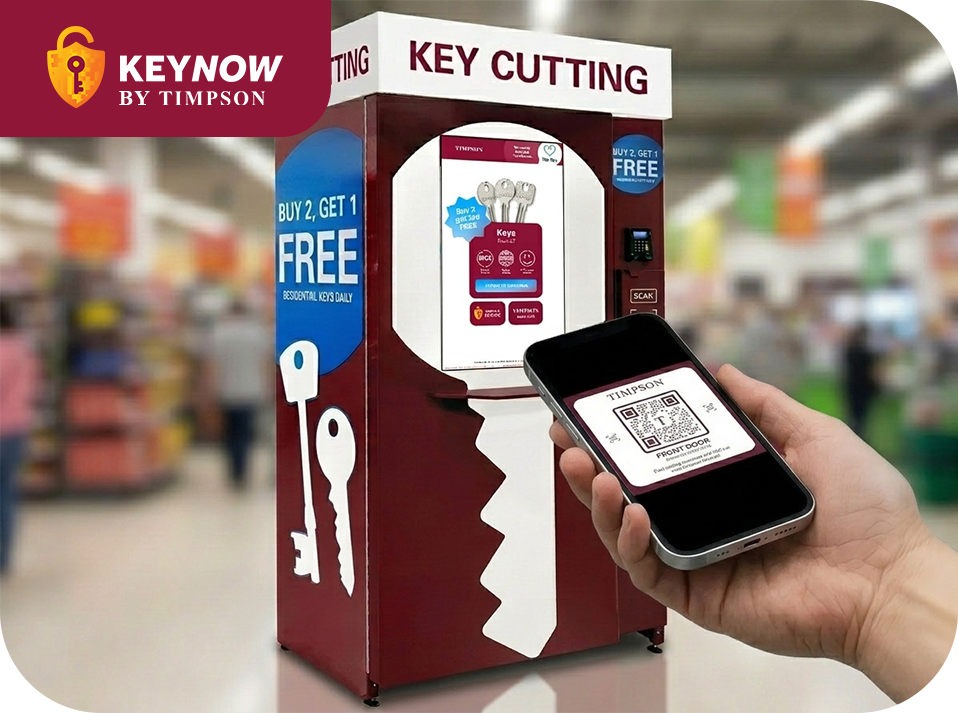
Use selected Key Now machines to save keys on your phone. Get a unique QR code you can scan to cut new copies!
Save a spare digital key
Ultra-secure QR code

Takes less than 1 minute
Save keys on your phone with Key Now
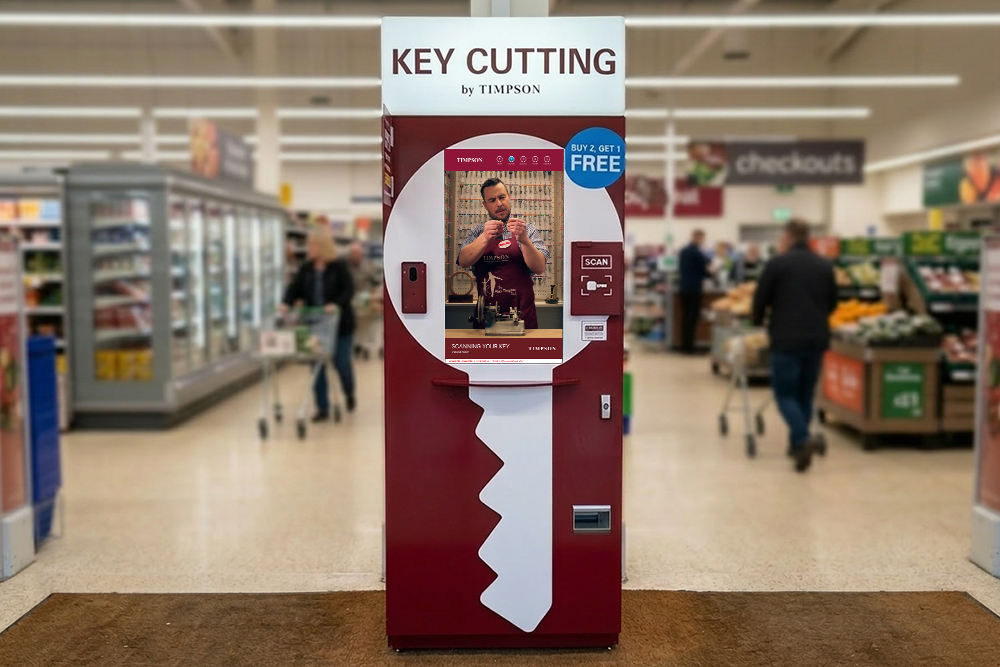
Available at selected key cutting machines, scan your keys and save a digital copy on your phone for next time!
Spare digital key
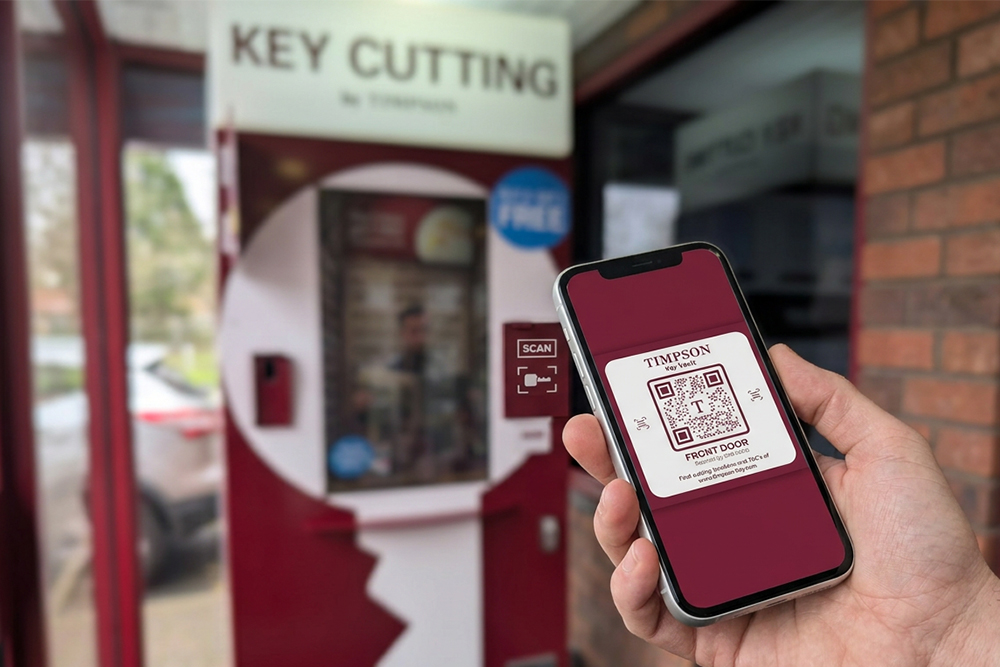
Save your key as a unique QR code to easily cut new copies. Keep it safe on your camera roll or in the chat!
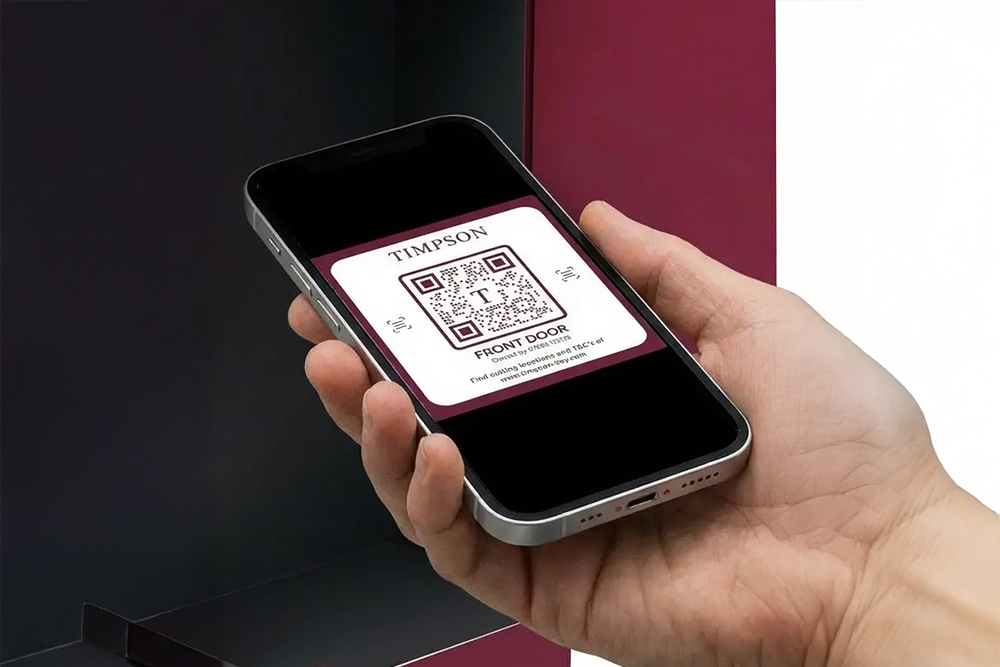
Secure QR code
Secured by a one-time password, scan your QR code at our machines to cut more copies of your key.
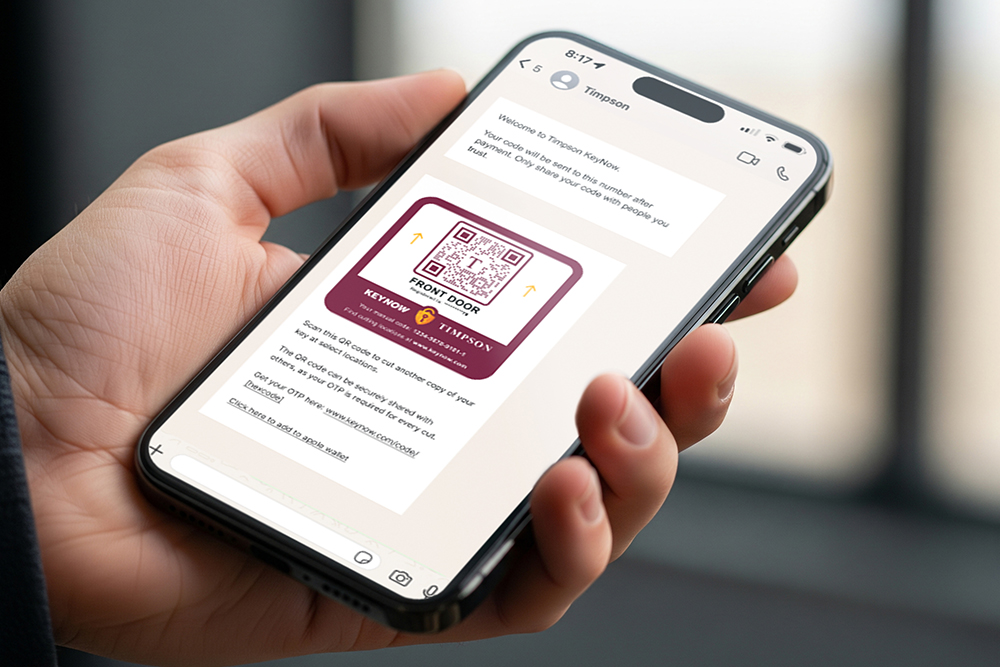
Share your key
Safely share your QR code with others who need a copy. The key owner must authorise every use.
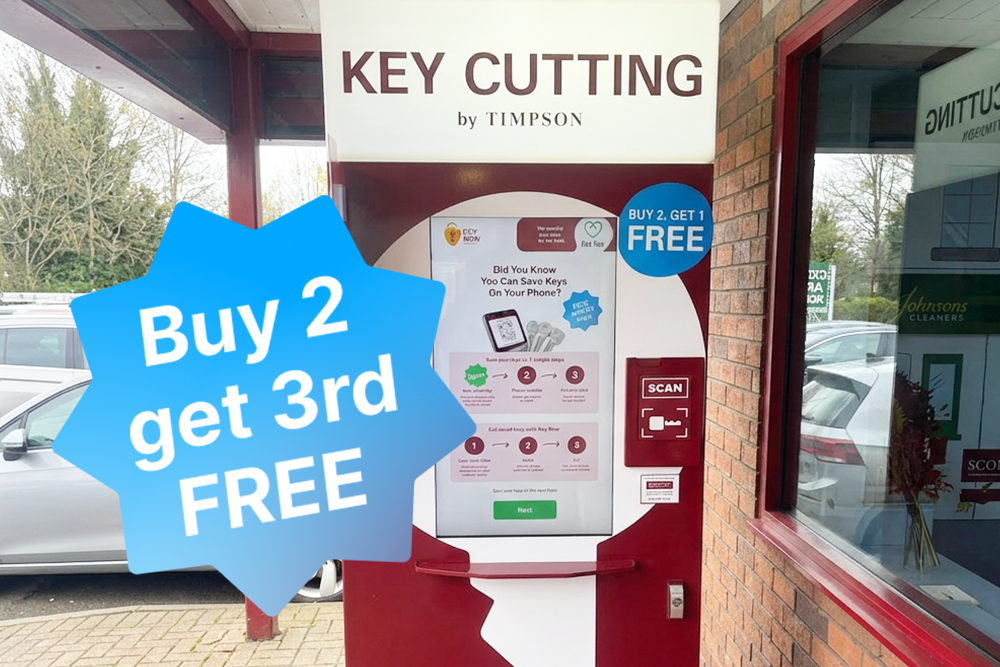
Super-fast service
It takes less than 1 minute to save keys on your phone. Simply follow the steps, and you’ll be done in no time.
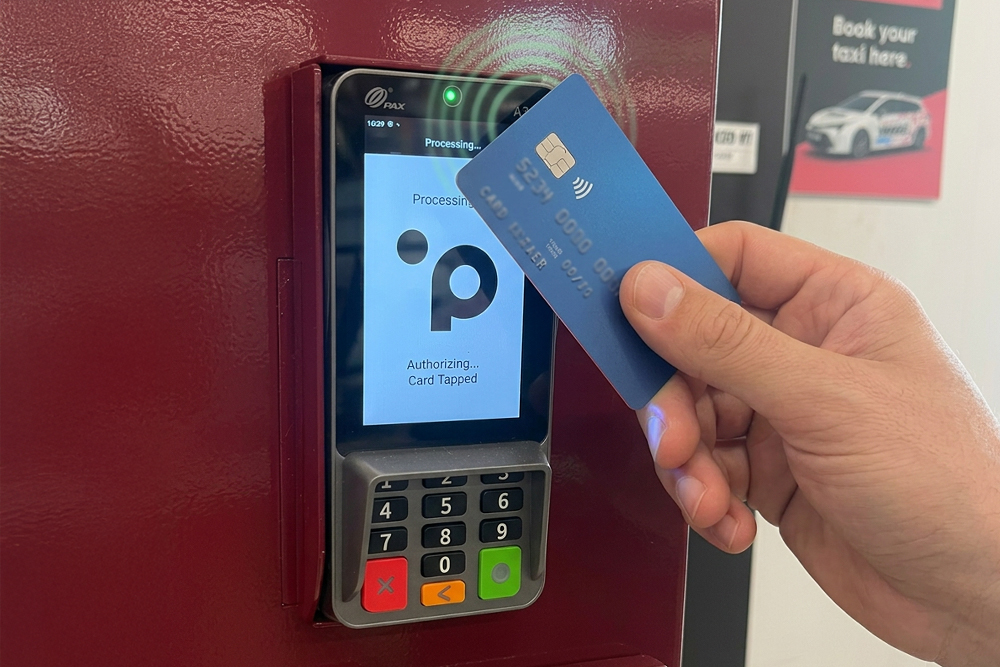
Easy one-off payment
No subscriptions, no ongoing fees. Pay once for your digital key and keep it safe forever.
Nationwide coverage
Scan your QR code to copy your keys at any Key Now machine across the UK. It’s so quick and easy!
Frequently asked questions about Key Now machines
How is my QR code secured?
Your QR code is protected by a one-time password that only you can authorise.
When your QR code is scanned at one of our machines, you’ll be asked to enter a one-time password before any keys are cut. This means nobody can make a copy of your key without your approval. Thanks to this extra verification step, your QR code is secured in the same way as most online banking systems.
How do I cut keys with my QR code?
Once we’ve sent you a unique code, you can scan this at any Key Now key machines to cut a new copy without any fuss. When you visit the machine, simply select “I have a QR” code on the first screen, place your phone face-up inside the scanning chamber and use the on-screen preview to align the QR code.
When your code has been scanned, you’ll be prompted to enter your one-time password to start cutting another copy of your key. It’s all done in just a matter of moments, so this is the quickest and easiest way to cut new keys!
Where can I save keys on my phone?
You can save keys on your phone at selected key cutting machines across the UK, which feature our innovative Key Now technology. To find your nearest Key Now machine, simply enter your postcode with our handy Store Finder.
During the key cutting process, you’ll be prompted to save a digital copy on your phone, so simply select this option and follow the steps. We’ll send your QR code via WhatsApp, so you can either keep it safe in the chat or save the code to your camera roll!
How much does saving keys cost?
It costs just 99p to save a key on your phone. However, if you’re ordering 3 or more keys, then saving keys is completely free!